

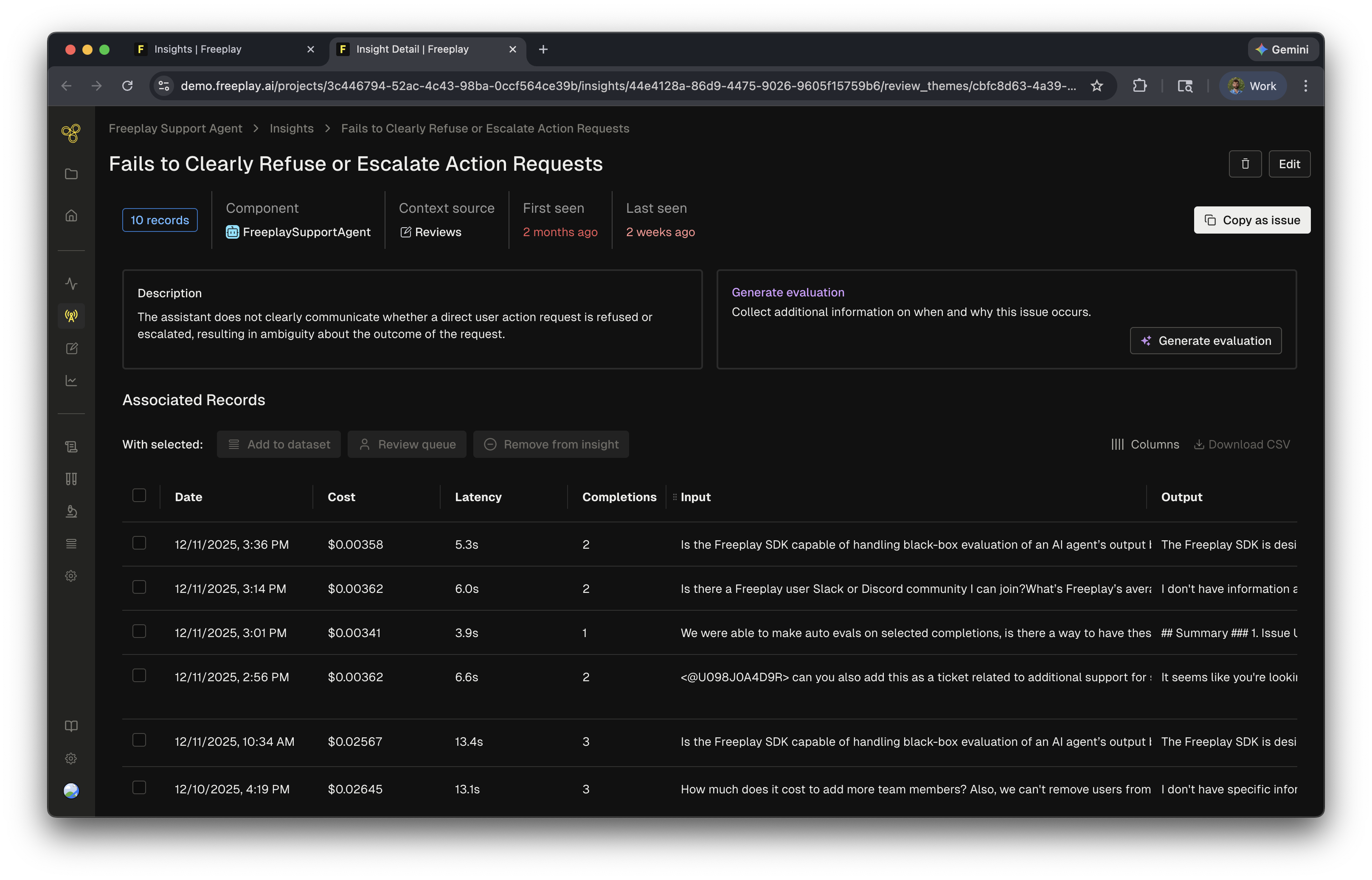
How they work
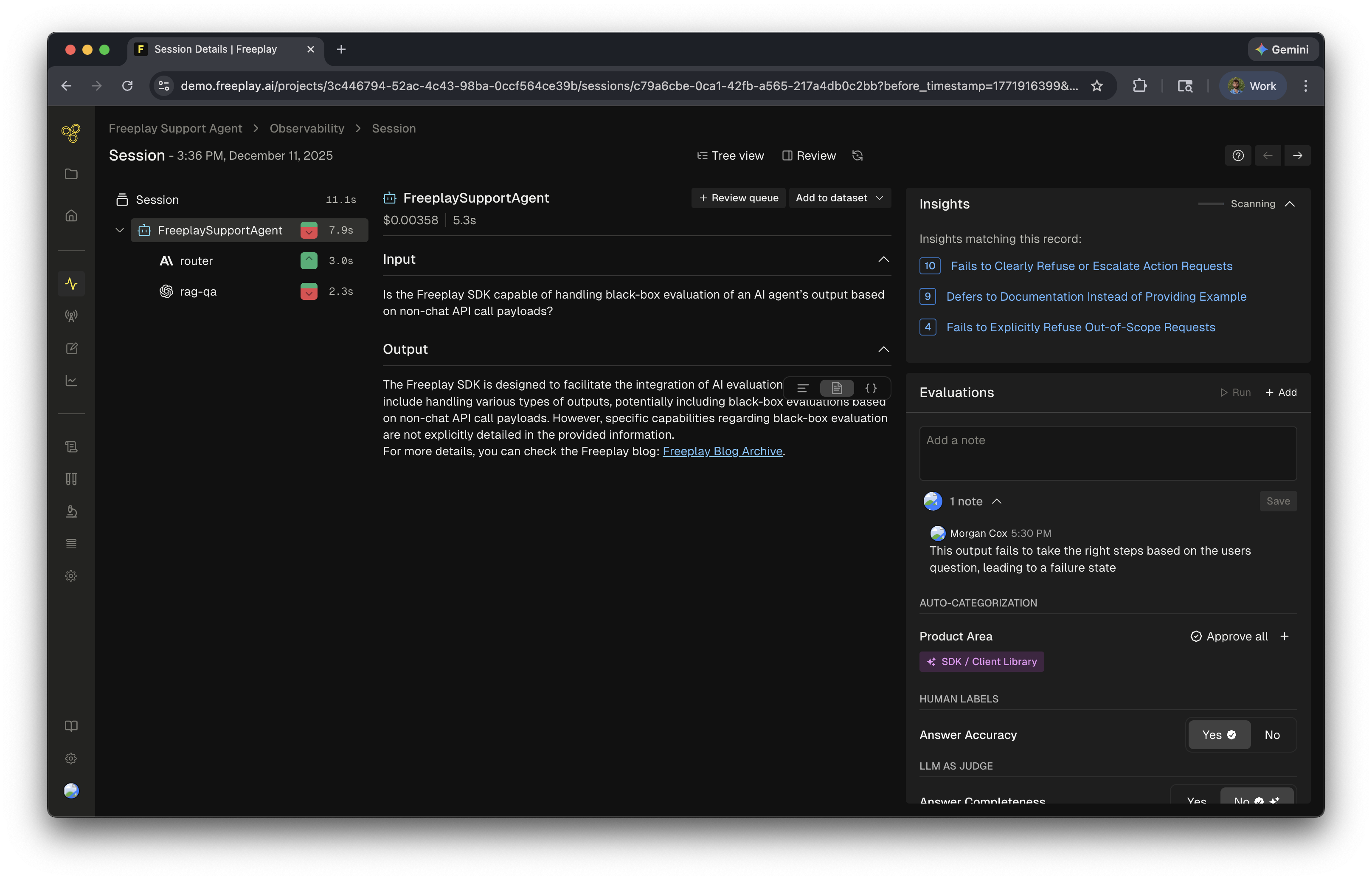
- Human labels — annotations, notes, and scores from human reviewers
- LLM-as-a-judge evaluations — scores and reasoning from your auto-evaluators applied during review
- Logs — the completions or traces that were evaluated
When they run
Review Insights run anytime a human label is added to data. Every annotation — notes, human evals, or LLM-as-a-judge evals — triggers the agent to analyze and update insights. When combined with Review Queues these review insights can point to key issues in your system.Review Insights can be disabled in Project Settings > AI Features.
Related resources
- AI Insights Overview — How Freeplay’s AI Insights work across the platform
- Review Queues — Set up human review workflows that generate Review Insights
- Model-Graded Evaluations — Configure the LLM judges that feed into Insights