

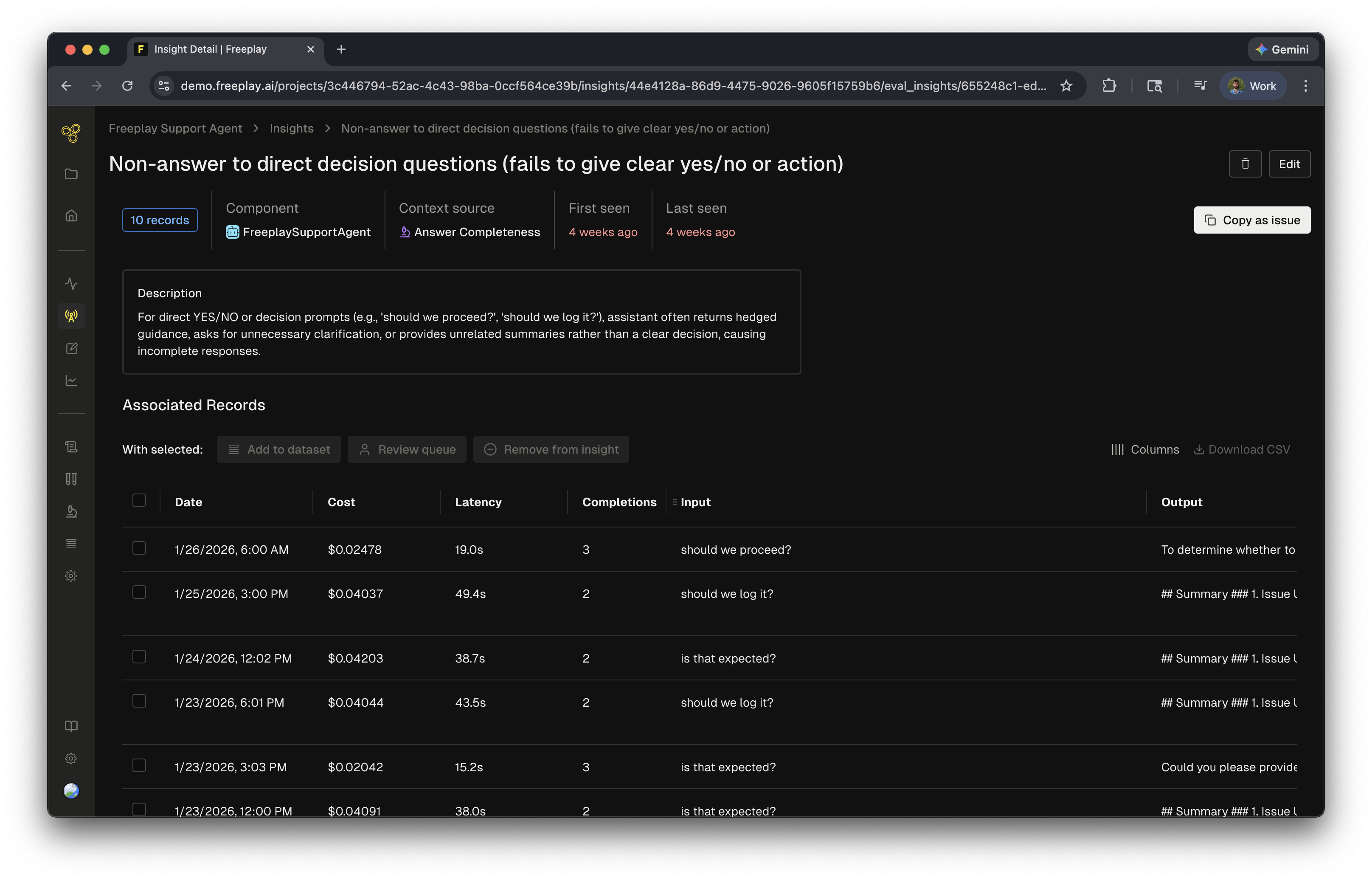
How they work
Freeplay proactively analyzes logged data that has model-graded evaluations applied. The agent reviews these logs and identifies key patterns across the data. Here is the general flow:- Freeplay collects evaluation results over a time period (requiring at least 10 logs with evaluation data)
- The AI analyzes the logs, looking for patterns in:
- Poor-scoring outputs and their common characteristics
- Correlation between different evaluation criteria
- Input patterns that tend to produce poor results
- The agent then reviews these results, assigns, creates or updates existing insights to properly assign and group the data
When they run
Evaluation Insights run on a weekly cadence, generating findings every Monday morning based on the previous week’s data.Evaluation Insights can be disabled in Project Settings > AI Features.
Related resources
- AI Insights Overview — How Freeplay’s AI Insights work across the platform
- Model-Graded Evaluations — Configure the LLM judges that feed into Insights