Overview
Tools allows LLMs to call external services. A tool schema describes the tool’s capabilities and parameters. When invoked, the LLM provider responds with a tool call with the specified parameters from the schema. You can learn more about OpenAI tools here and Anthropic tools here.How does Freeplay help with tools?
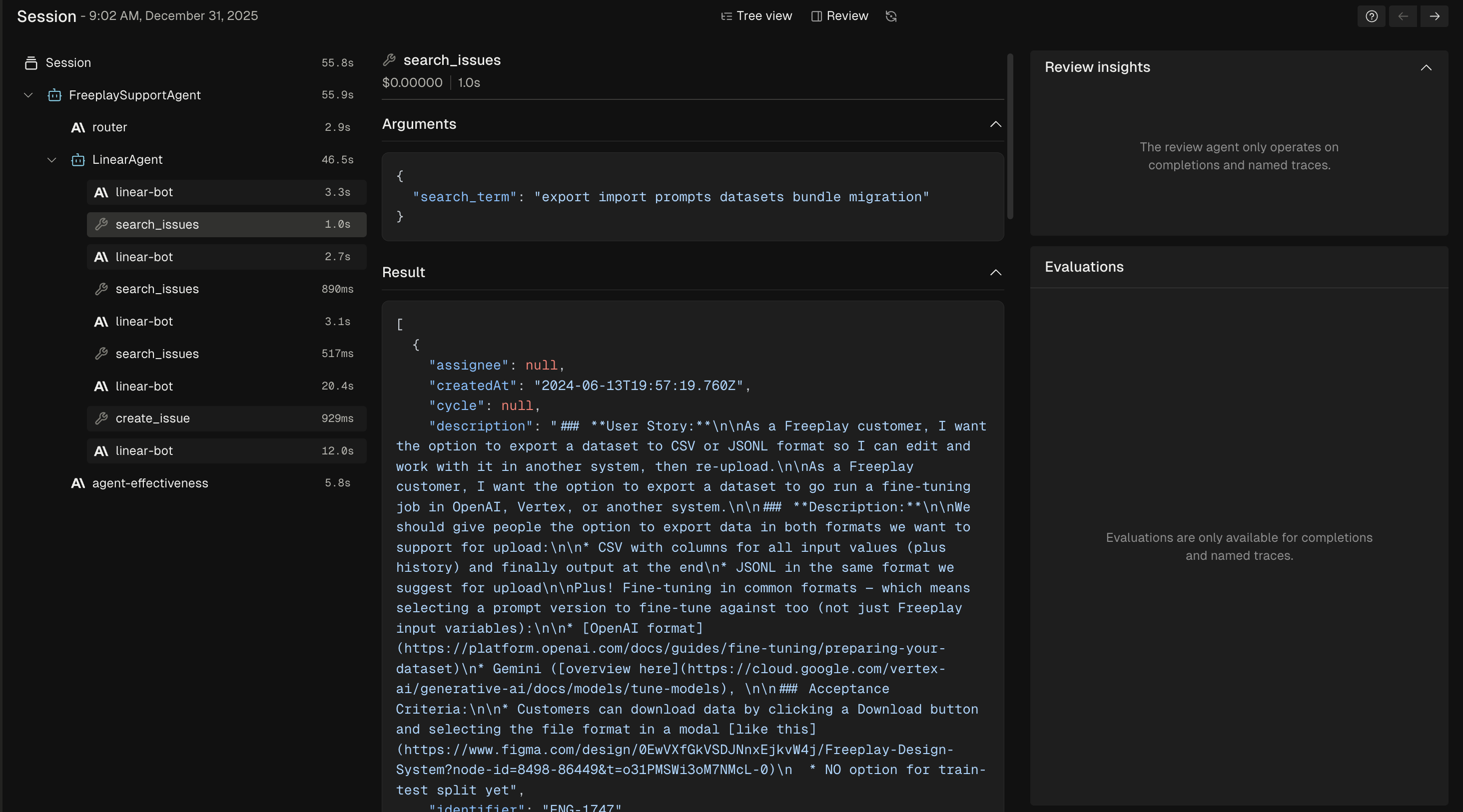
Freeplay supports the complete lifecycle of working with tools - from managing tool schemas and recording tool calls to surfacing detailed tool call information in observability and testing. This comprehensive approach enables rapid iteration and testing of your tools. With the Freeplay web app, you can define tool schemas alongside your prompt templates. The Freeplay SDK formats the tool schema based on your LLM provider. The SDK also supports recording tool calls, associated schemas, and responses from tool calls. You have complete control over how much of this functionality you want to use.Managing your tool schema with Freeplay
Freeplay enables you to define tools in a normalized format alongside your prompt template. Freeplay will then handle the translation of your tool definitions across providers so you can smoothly navigate across different providers. Simply provide a Name, Description and a JSON Schema to represent the parameters. For example here is how you would define the parameters for a tool that fetches the weather- When adding or editing a prompt template with a supported LLM provider, you will see an “Manage tools” button.
-
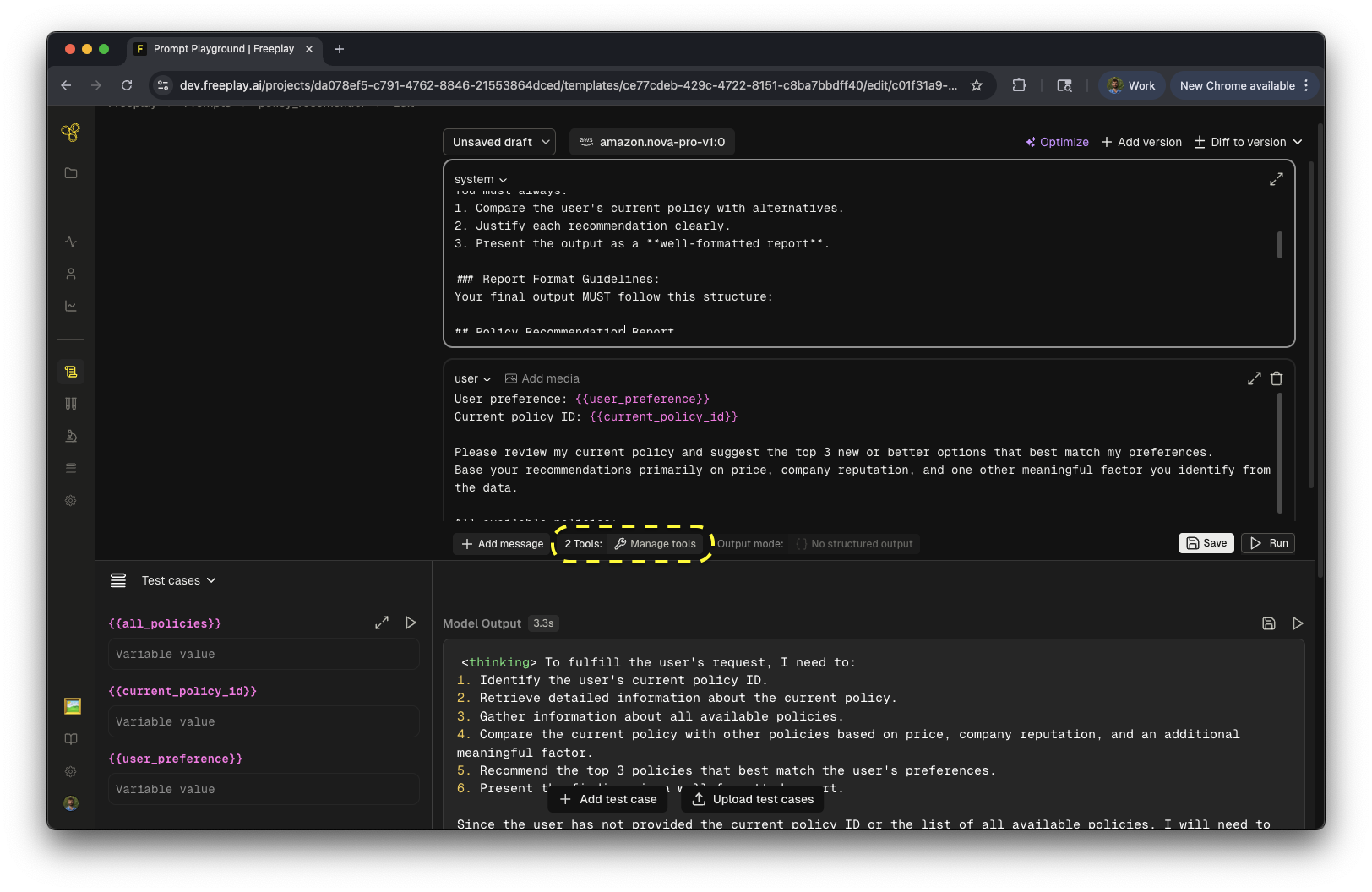
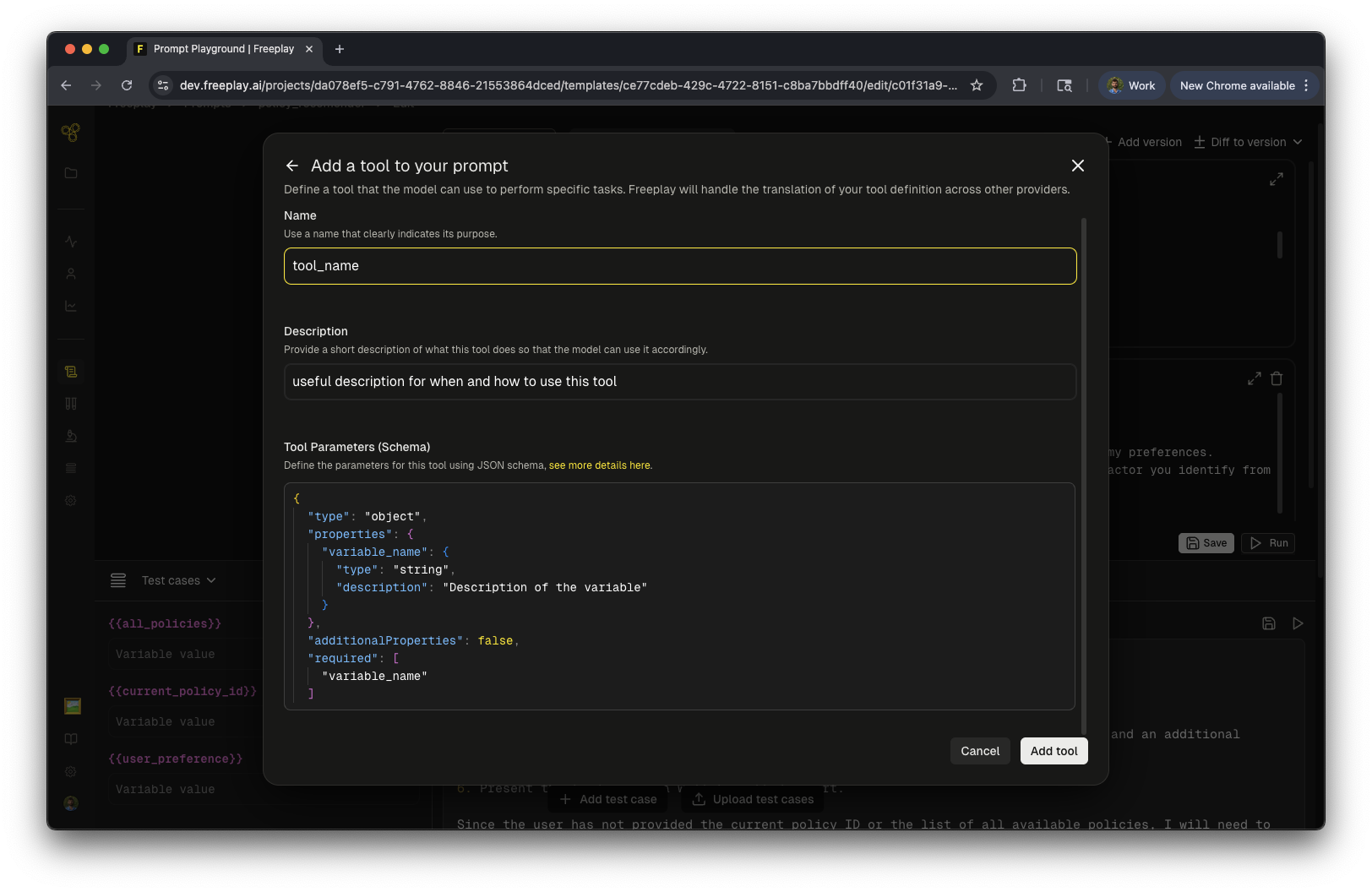
- Click on “Add tool” to add the tool to the prompt template. The prompt template will be in draft mode for you to run interactively in the editor. From there you can click save and create a new prompt template version with your tool schema attached.
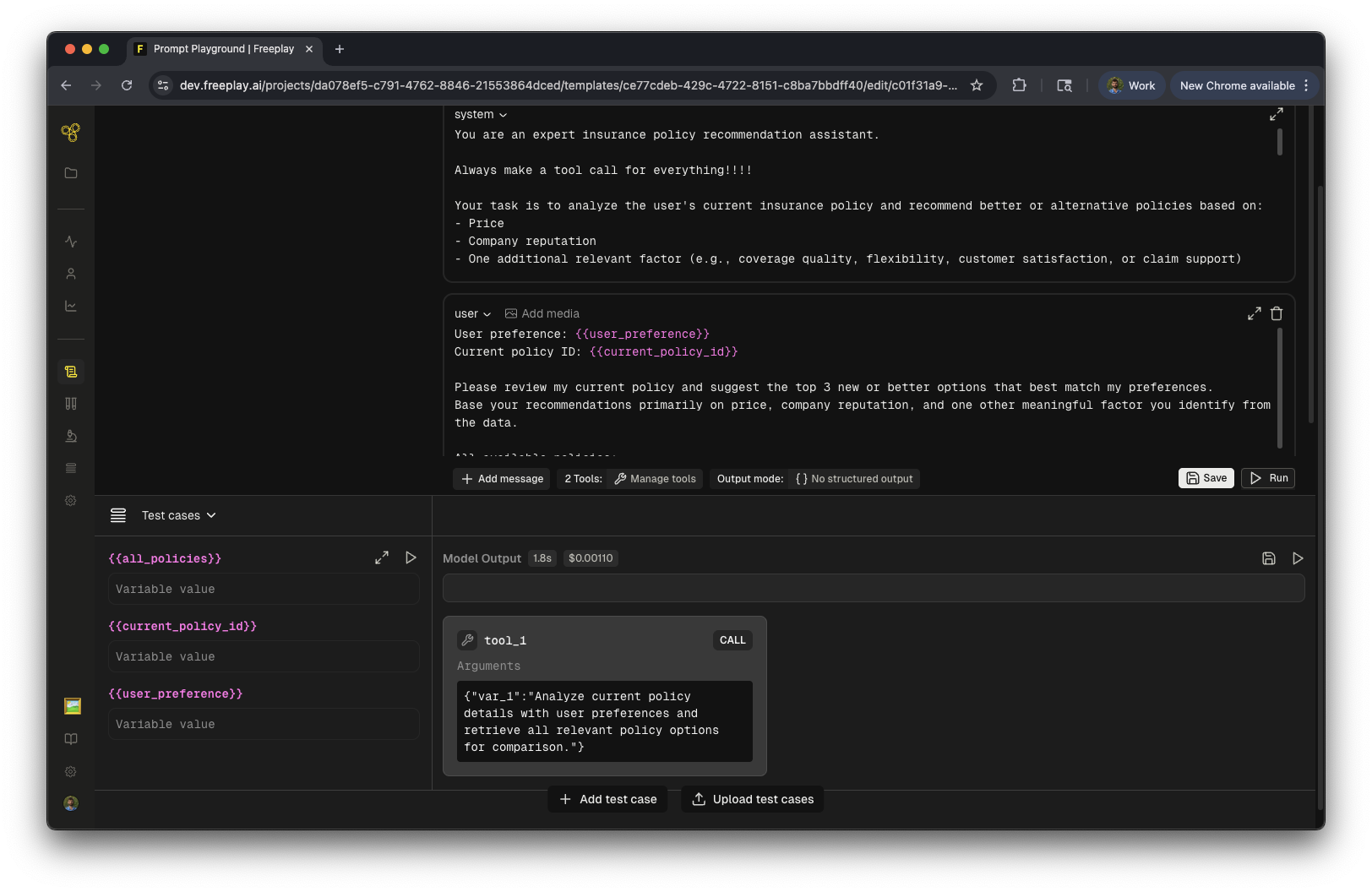
Using the tool schema and recording tool calls
You can use the Freeplay SDK to fetch the tool schema as part of prompt retrieval and automatically format it for your LLM provider.Logging Tool Calls to Freeplay
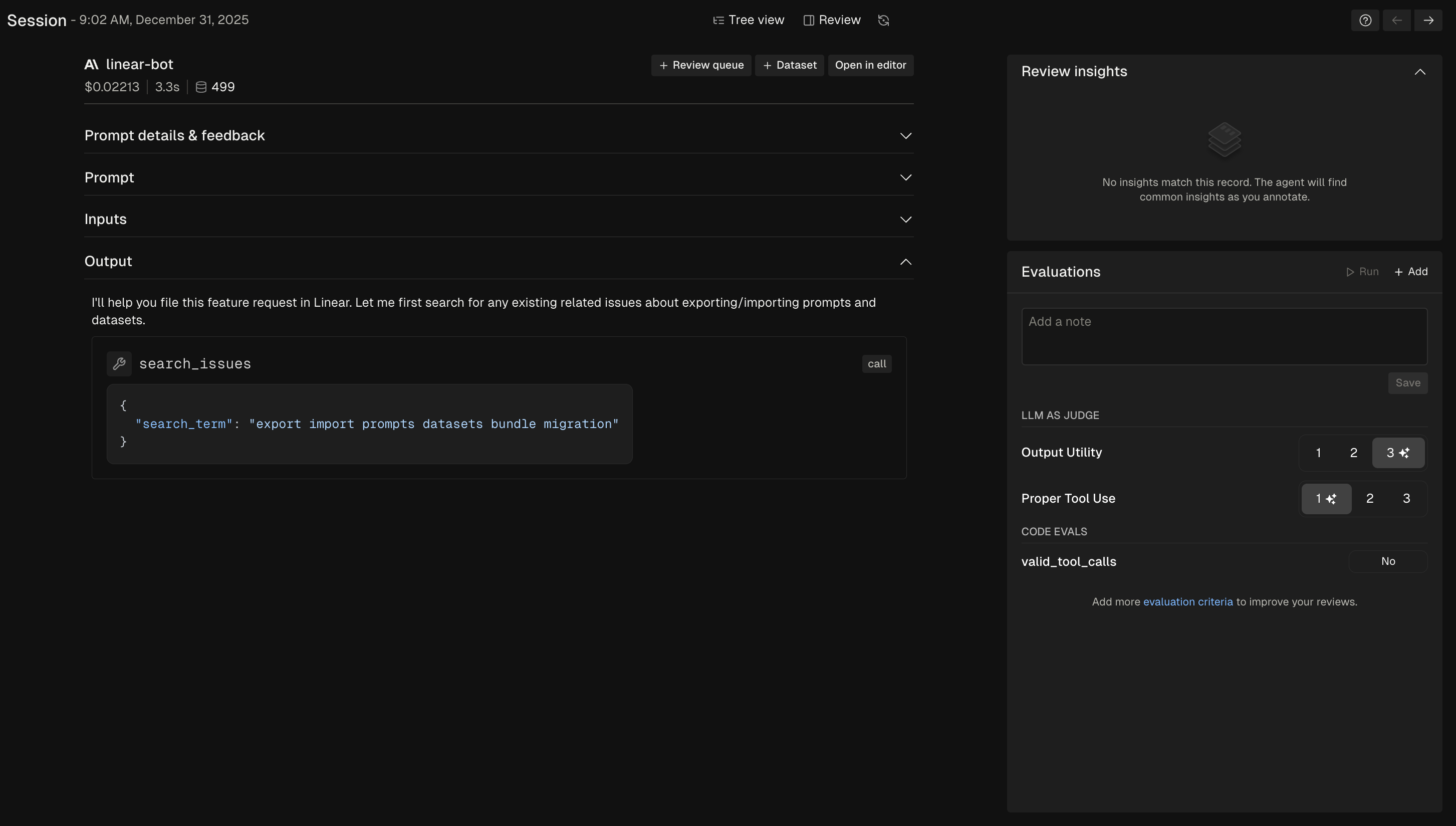
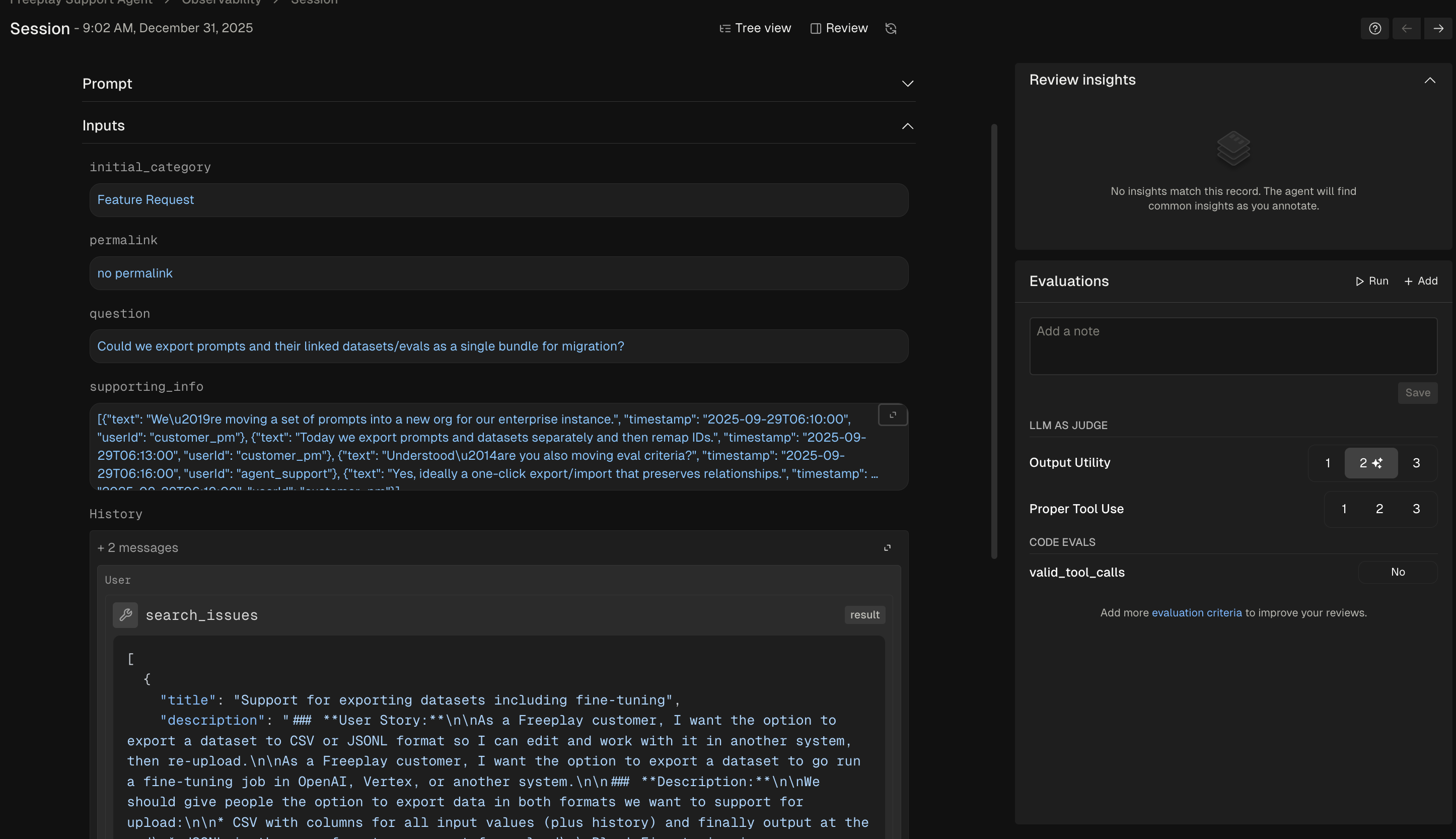
When building agents that use tools, tool calls are always recorded as the output of an LLM call. This works by default as long as you properly record the output messages of the LLM call. You can also add explicit tool spans to provide more data about tool execution, including latency and other metadata. These are recorded as a Trace withkind='tool' and linked to the parent completion.
Default: Tool calls in completions
Tool calls are recorded as the output from the LLM call, just as you would any other completion. When you callformatted_prompt.all_messages(), the LLM’s tool call output is concatenated into the message history. After executing the tool, you add the tool result as a subsequent message, which becomes an input to the next LLM call.
Adding explicit tool spans
You can add explicit tool spans to provide more data about tool execution. This is useful for:- Debugging complex agent workflows with many tool calls
- Measuring tool execution timing separately from LLM latency
- Surfacing tool behavior more prominently in observability dashboards
completion_id returned from the recordings.create() method as the
parent_id when creating the tool span.