

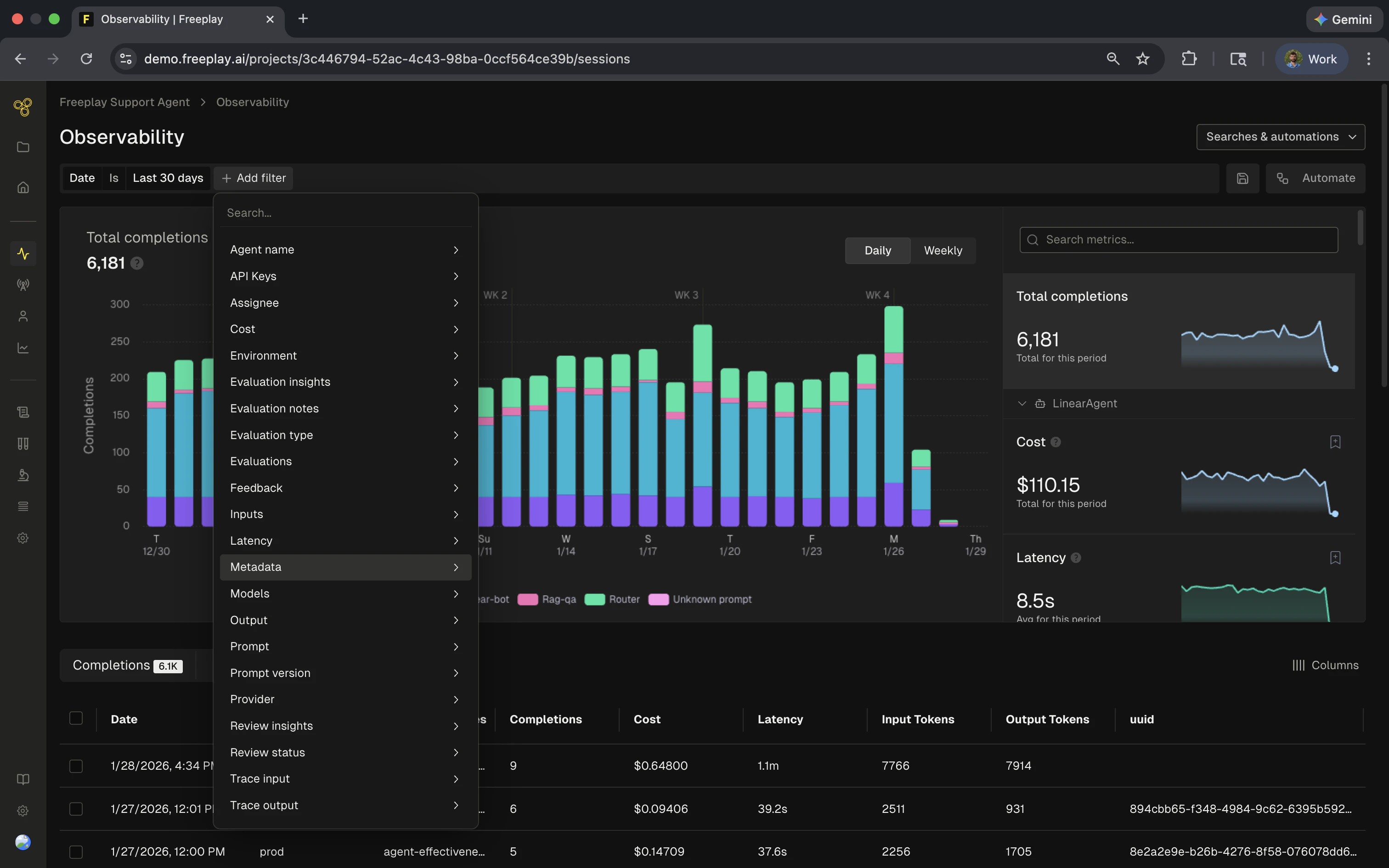
How text search works
When you filter on text fields like inputs, outputs, or metadata values, Freeplay uses tokenized phrase matching. This is different from simple substring search and has important implications for how you construct your filters.Tokenization
Text is broken into individual words called tokens. During this process:- Punctuation and special characters are removed
- Text is normalized (case is ignored)
- Words become searchable units
user@freeplay.ai is tokenized into:
@ and . characters are stripped and treated as word boundaries.
Phrase matching
When you search, the tokens in your query must appear adjacent and in order in the indexed data. This is why thecontains filter works differently than you might expect.
Field types and their behavior
Different fields in Freeplay use different search behaviors depending on their data type:Categorical fields
Fields like model, provider, environment, and prompt template use exact matching. You select from a predefined list of values, and only records with that exact value are returned. These filters are straightforward and don’t have tokenization considerations.Numeric fields
Fields like cost, latency, and token counts support range queries. You can filter for values greater than, less than, equal to, or between specific numbers.Key-value fields
For structured data like custom metadata or feedback, the filter has two parts:- Key name: Matched exactly (e.g.,
customer_email) - Value: Uses tokenized text search
{"customer_email": "morgan@freeplay.ai"}, you can:
- Filter on the exact key
customer_email - Search the value using tokenized matching (same rules as text fields)
Understanding the “contains” filter
Thecontains filter is the most common source of confusion. Here’s what it actually means:
contains means “contains these complete tokens in this order” — not “contains this substring anywhere.”What works vs. what doesn’t
Given the indexed valueuser@freeplay.ai (tokenized to ["user", "freeplay", "ai"]):
Common search scenarios
Email addresses
Email addresses are tokenized at the@ and . characters.
Example: someone@freeplay.ai becomes ["someone", "freeplay", "ai"]
Searches that work:
someone- complete tokenfreeplay- complete tokenfreeplay.aiorfreeplay ai- token sequencesomeone@freeplay.ai- full value@freeplay.ai- tokenizes to match["freeplay", "ai"]
@freeplay- doesn’t match because the search pattern doesn’t align with token boundariesplay- partial token, not indexed separatelyone- partial token
Identifiers with special characters
Special characters act as token boundaries, which can cause unexpected matches. Example: The valueuser-123 is tokenized to ["user", "123"]
This means all of the following will match the same records:
user-123user 123user_123user/123
["user", "123"]
Custom metadata
When filtering on custom metadata:- Select the metadata key (exact match)
- Enter the value to search (tokenized matching)
{"user_type": "premium-enterprise"}:
- Key:
user_type(must match exactly) - Value search for
premiumwill match - Value search for
enterprisewill match - Value search for
premwill not match (partial token)
Evaluation results and notes
Evaluation result values and note content also use tokenized search:- Filter by evaluation name (categorical/exact match)
- Search within results or notes (tokenized text search)